
Everything below is for the web app on a computer. On your screen you will see your own
trainings, your own figures and your own rank. On a phone? See Mobile App.
Table of contents
- Step 1 — Log in
- Step 2 — Choose your language
- Step 3 — Follow the guided tour
- Step 4 — Read your dashboard
- Step 5 — Earn points
- Good to know
Step 1 — Log in
1
Open the login page
The page title is Login into your account. The translation icon at the top right of the
form changes the page language before you even log in.
2
Enter your details
Fill in your Email and Password, then click Login. Leave Remember me ticked to
stay logged in on this computer.
Step 2 — Choose your language
The very first time you log in, the Choose your language window opens. Select English, French or Arabic, then click Continue. The whole app, guided tour included, then shows in that language.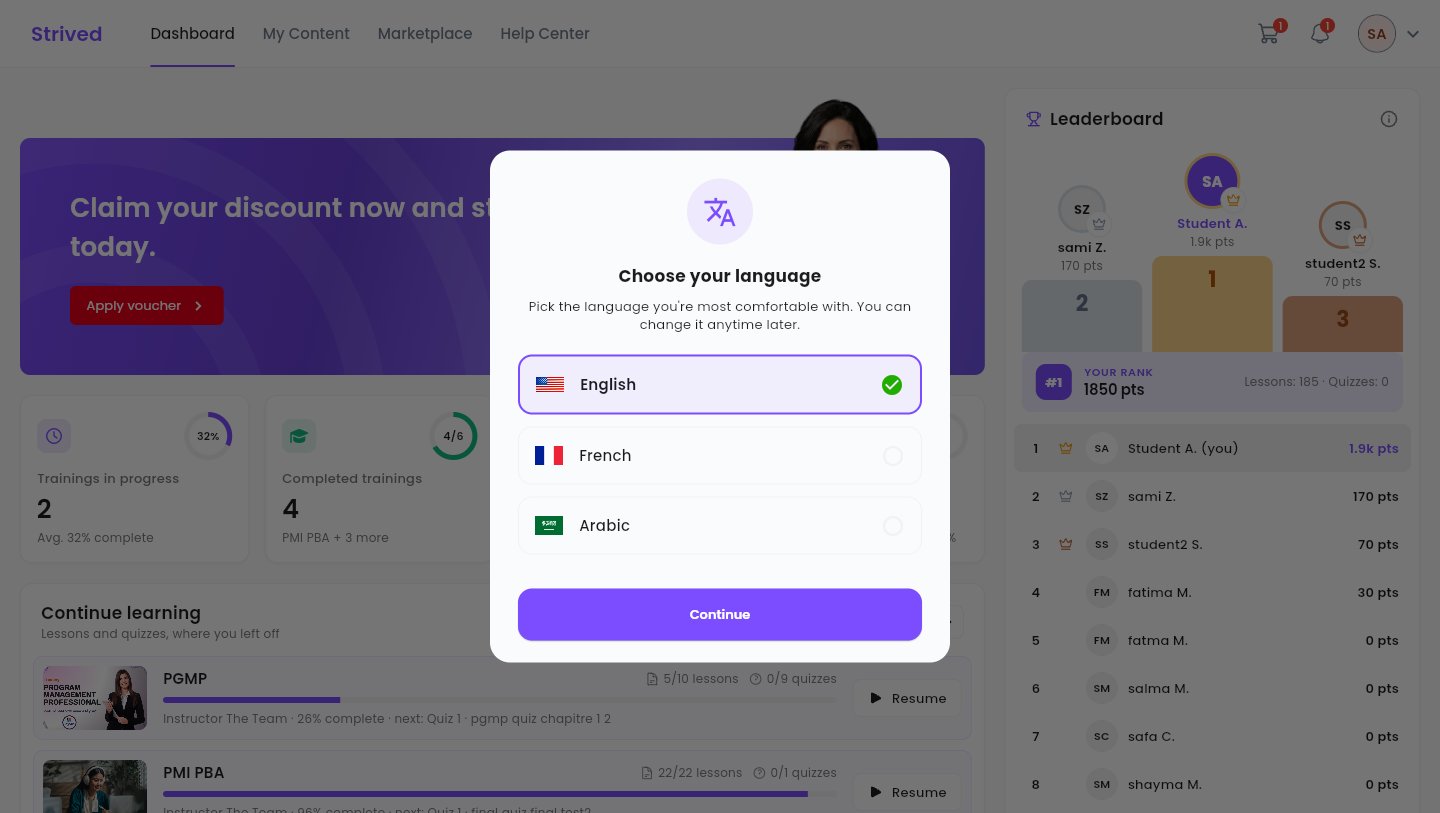
The language window, on your first login.
Step 3 — Follow the guided tour
A short tour then presents the top bar, one item at a time: Dashboard, My Content, Marketplace and Help Center. Click Next to move on, or Skip to stop it.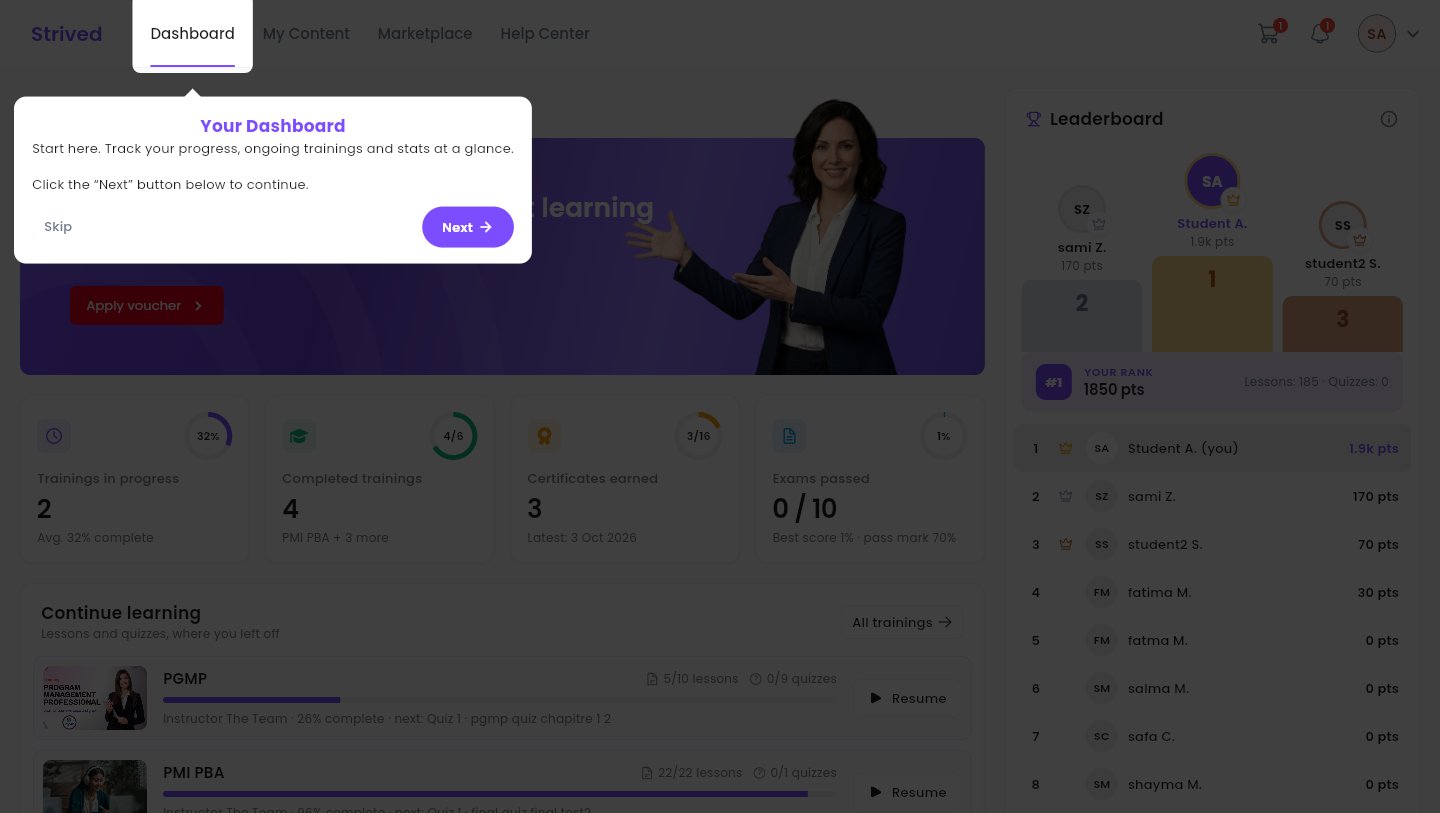
The guided tour highlights each item of the top bar.
Step 4 — Read your dashboard
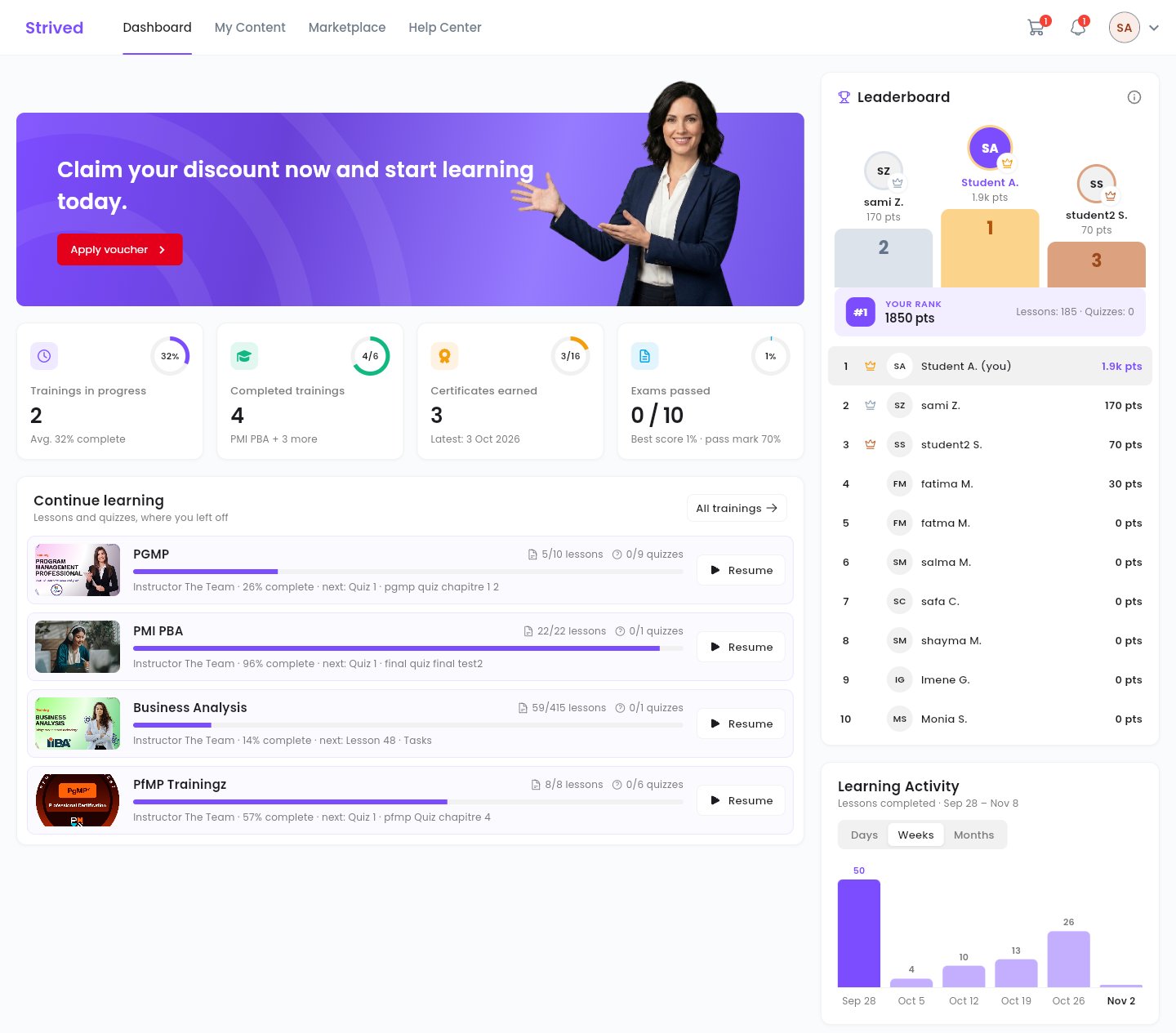
The dashboard: your figures, your trainings in progress, the leaderboard and your activity.
Step 5 — Earn points
Click the ⓘ icon of the Leaderboard to see how points are counted.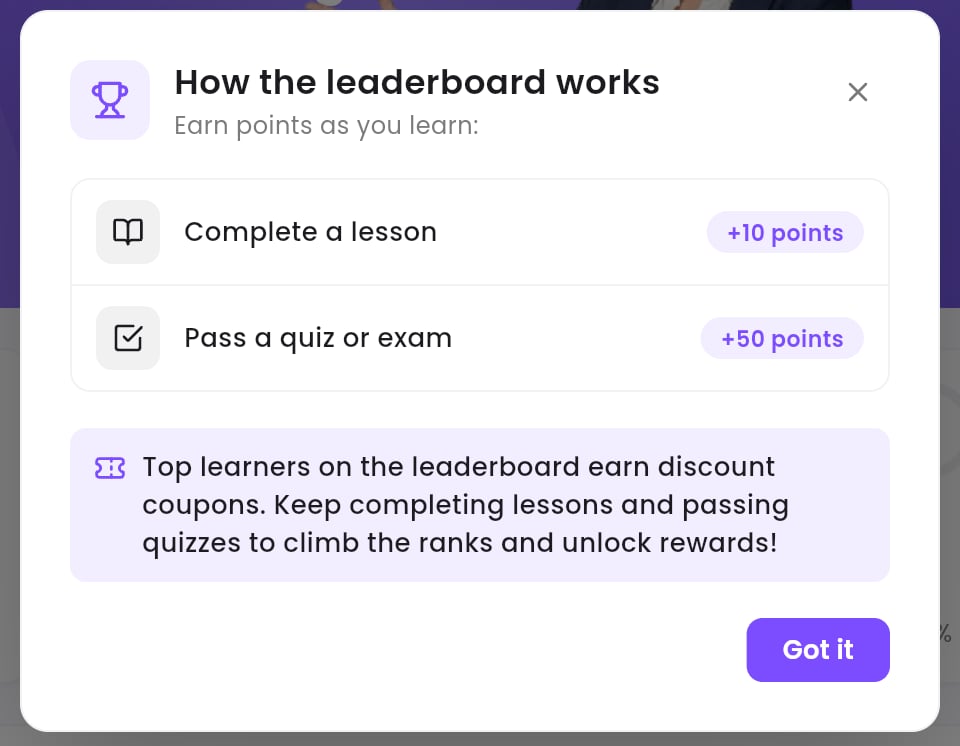
How the leaderboard points work.
- Complete a lesson: +10 points.
- Pass a quiz or exam: +50 points.
Good to know
Can I see the guided tour again?
Can I see the guided tour again?
The tour only shows once per account on the same browser. The guides in this section and the
Help Center stay available at any time.
How do I change the language later?
How do I change the language later?
Click your avatar at the top right, then Languages. See
Manage your account.
My dashboard is empty
My dashboard is empty
You do not own any training yet. If you received a voucher by e-mail, enter it with
Apply voucher — see Use a voucher. Otherwise, browse the
Marketplace.